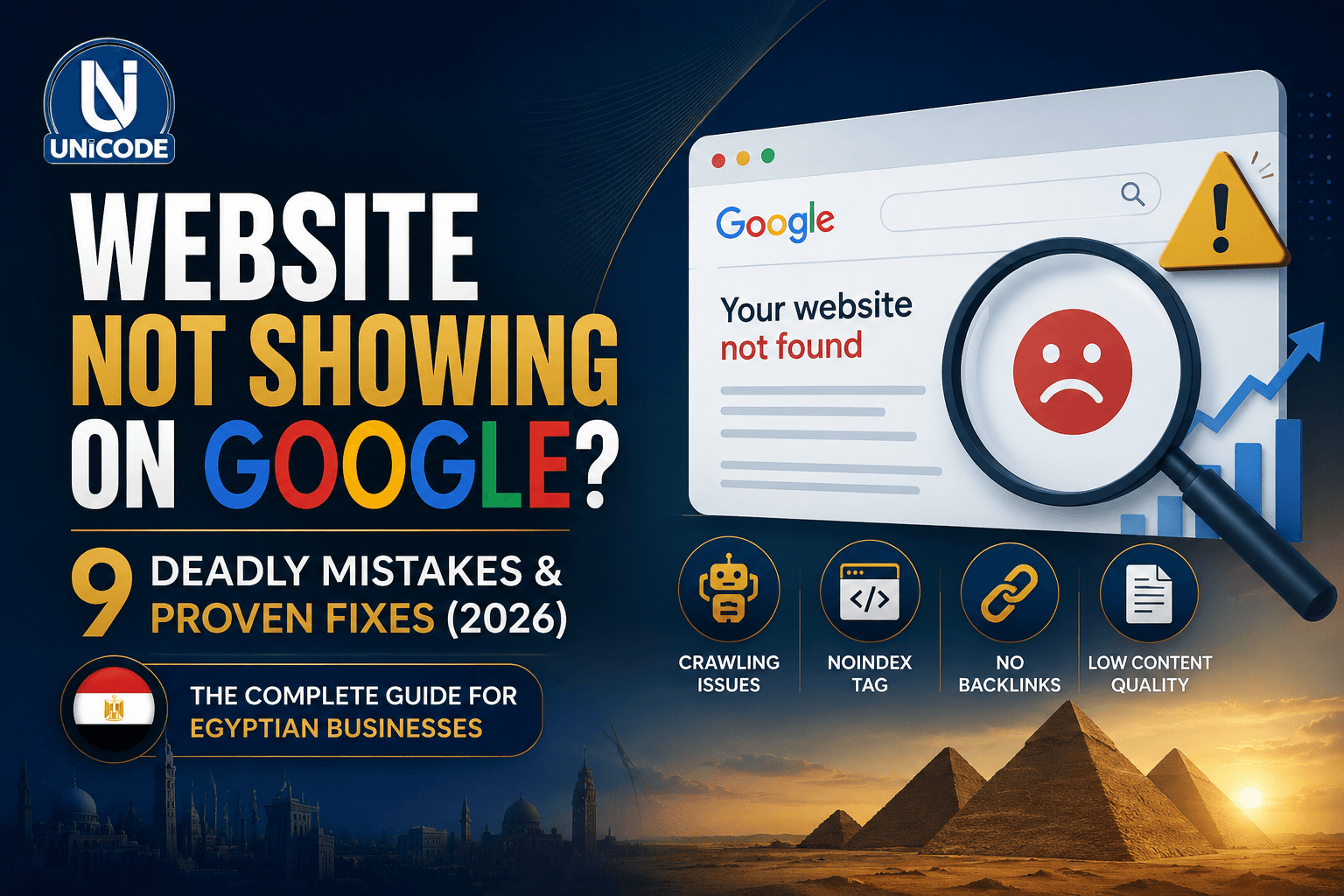
Website Not Showing on Google? Proven Fixes for Devastating Mistakes

Why Your Website Is Not Showing
on Google † And How
to Fix It
If your website is not showing on Google, you are losing real customers to competitors every single day. This guide covers the 9 most common reasons † and the exact steps to fix each one fast.
If your website is not showing on Google, the most likely causes are: a noindex tag blocking crawlers, no sitemap submitted to Google Search Console, zero backlinks, thin or duplicate content, or a technical error preventing Googlebot from accessing your pages. Start by searching site:yourdomain.com in Google † if nothing appears, your site is not indexed at all. Read on for the full diagnosis and fix for each cause.
First: Check if Your Website Is on Google at All
Before diagnosing why your website is not showing on Google, confirm whether the problem is full invisibility (not indexed at all) or low ranking (indexed but buried). These are two very different problems with very different fixes.
site:yourdomain.com
/* If results appear → site is indexed, problem is ranking */
✓ site:unicodeg.com → 47 results found
/* If nothing appears → site is NOT indexed at all */
✗ site:yourdomain.com → did not match any documents
If your site shows zero results, work through Reasons 1, 2, and 7 first † they are the most common causes of complete invisibility. If your site is indexed but not ranking well, focus on Reasons 3, 4, 5, and 6.
Your Site Has a Noindex Tag Blocking Google
This is the single most common reason a website is not showing on Google † and it is almost always an accident. A single HTML tag or WordPress setting is silently telling Google to ignore your entire website.
The noindex tag instructs Google not to include a page in its index. When this is applied site-wide † which happens often in WordPress during development and never gets removed † your entire website becomes invisible to Google overnight.
In WordPress, this setting lives under Settings → Reading → "Discourage search engines from indexing this site." It is frequently checked during a site build and forgotten. This one checkbox has cost businesses months of lost visibility.
<meta name="robots" content="noindex, nofollow">
/* Good: Tells Google to index and follow links */
<meta name="robots" content="index, follow">
- In WordPress: go to Settings → Reading → uncheck "Discourage search engines"
- In your HTML: search the source code for "noindex" and remove it from pages that should rank
- In Rank Math or Yoast: check that no pages are set to "noindex" unintentionally
- Use Google Search Console → URL Inspection → check "Coverage" for noindex errors
You Have Not Submitted a Sitemap to Google
Google does eventually discover websites on its own † but "eventually" can mean weeks or months for new sites with no backlinks. If your website is not showing on Google and it launched recently, the fix could be as simple as submitting a sitemap.
A sitemap is a file that lists all the pages on your website. Submitting it to Google Search Console tells Google exactly what exists on your site and requests it be crawled and indexed. Without it, Google has to discover your pages on its own † which for a new or low-authority site can take a very long time.
https://yourdomain.com/sitemap.xml
https://yourdomain.com/sitemap_index.xml
- Go to Google Search Console → Sitemaps → enter your sitemap URL → Submit
- In WordPress with Rank Math or Yoast: your sitemap is auto-generated at /sitemap_index.xml
- After submitting, use URL Inspection to request indexing of your most important pages individually
- Check back in 48–72 hours to confirm Google has processed the sitemap
Your Website Has Zero Backlinks
Google treats backlinks as votes of confidence. A website with no links pointing to it from other websites signals to Google that no one on the internet considers it worth referencing. Even if your site is indexed, it will rank far below competitors who have earned backlinks.
Backlinks remain one of Google's top three ranking factors. A new business website with quality content but zero backlinks will almost always be outranked by an older, mediocre competitor who has accumulated links over time. This is especially true for competitive keywords in Egypt and the Gulf.
- List your business on Google Business Profile, Yellow Pages Egypt, and local directories
- Ask suppliers, partners, and clients to link to your website from theirs
- Write guest articles for Egyptian business blogs and news sites in your industry
- Create genuinely useful content (like this article) that others naturally want to link to
- Get listed on industry association websites relevant to your sector in Egypt or the Gulf
Your Content Is Too Thin or Copied
Google's core mission is to deliver the most useful answer to every search query. If your website content is sparse, generic, or copied from another source, Google will rank your competitor's pages instead † or not rank your pages at all.
Pages with fewer than 300 words rarely rank for competitive terms. Pages that copy content from other websites are actively penalized. Pages that use generic AI-generated text without original insight increasingly struggle to rank as Google's quality algorithms improve.
- Every service page should have at least 500 words of original, specific content
- Describe your actual services, process, pricing range, and what makes you different
- Use Google Search Console → Pages → check which pages have "Crawled but not indexed" status
- Run your content through a plagiarism checker † even unintentional duplication causes ranking problems
Your Website Loads Too Slowly
Since 2021, Google has used Core Web Vitals † a set of speed and user experience metrics † as a direct ranking factor. A slow website is not just a bad user experience; it is actively penalized in search rankings.
Egyptian websites hosted on cheap shared hosting, with unoptimized images and no caching, frequently score below 40 on Google PageSpeed Insights. This directly suppresses rankings † especially on mobile, where the majority of Egyptian web traffic originates.
- Test your site at PageSpeed Insights † aim for 70+ on mobile
- Compress all images to WebP format † this alone can cut page weight by 60%
- Install a caching plugin (WP Rocket or LiteSpeed Cache for WordPress)
- Upgrade from shared hosting to a VPS or managed WordPress host
- Enable a CDN (Cloudflare free tier covers most Egyptian sites adequately)
Your Site Has Duplicate Content Issues
Duplicate content confuses Google about which version of a page to rank. This happens more often than most business owners realize: www vs non-www versions, HTTP vs HTTPS, trailing slashes, and pagination all create duplicate content problems that split ranking signals and suppress your visibility.
http://yourdomain.com/services
https://yourdomain.com/services
https://www.yourdomain.com/services
https://yourdomain.com/services/
- Set a canonical URL (www or non-www) and redirect all other variants permanently (301)
- Add canonical tags to every page pointing to the preferred version
- Force HTTPS site-wide and ensure HTTP redirects automatically to HTTPS
- In WordPress: use Rank Math or Yoast to auto-generate canonical tags
Is your website invisible on Google?
Unicode runs a full technical SEO audit † covering all 9 issues in this guide † and delivers a prioritized fix plan within 48 hours.
Googlebot Is Blocked by Your robots.txt File
The robots.txt file tells search engines which parts of your site they are and aren't allowed to crawl. A misconfigured robots.txt can silently block Google from accessing your entire website † with no visible error on the front end. This is another issue that frequently originates during development and never gets corrected.
User-agent: *
Disallow: /
/* Good: Allows all crawlers everywhere */
User-agent: *
Disallow:
- Visit yourdomain.com/robots.txt and check for "Disallow: /" which blocks everything
- Use Google Search Console → Settings → robots.txt to test it directly
- Only disallow pages that genuinely should not be indexed (admin pages, login pages, thank-you pages)
- After fixing, request re-crawling via Google Search Console URL Inspection tool
Your Website Has Been Penalized by Google
Google issues penalties for practices that violate its guidelines † buying low-quality backlinks, keyword stuffing, hidden text, cloaking, or using spammy SEO techniques. A manual penalty can remove your site from Google entirely. Algorithmic penalties from updates like Google Penguin or Helpful Content can drop your rankings dramatically overnight.
- Check Google Search Console → Security & Manual Actions → Manual Actions for any active penalties
- Use Ahrefs or SEMrush to audit your backlink profile for toxic links
- Use Google's Disavow Tool to reject harmful backlinks pointing to your site
- File a Reconsideration Request in Search Console after cleaning up the issue (for manual penalties only)
Your Website Is Simply Too New
Brand new websites typically take 3–6 months to start ranking meaningfully on Google, even when everything is technically perfect. This is sometimes called the "Google Sandbox" effect † Google applies extra scrutiny to new domains before trusting them enough to rank prominently. This is normal, but it should not be a reason to sit and wait passively.
- Submit your site to Google Search Console and request indexing of all key pages immediately
- Publish new, original content consistently † even one post per week compounds quickly over 6 months
- Build your first backlinks through business directories, Google Business Profile, and partner sites
- Set up Google Business Profile † it gets you appearing in local map results much faster than organic results
- Run Google Ads on your target keywords while waiting for organic rankings † this keeps traffic coming in during the sandbox period
Free Tools to Diagnose Why Your Website Is Not on Google
You don't need to pay for premium SEO software to diagnose most of these issues. These free tools cover everything covered in this guide.
Frequently Asked Questions: Website Not Showing on Google
Why is my website not showing on Google?
The most common reasons are: a noindex tag blocking crawlers, no sitemap submitted, zero backlinks, thin or duplicate content, a slow site speed, or a misconfigured robots.txt file. Start by searching site:yourdomain.com in Google † if nothing appears, your site is not indexed at all and you should check for noindex tags and robots.txt issues first.
How long does it take for a website to appear on Google?
A new website typically takes 2–6 weeks to appear on Google after being submitted to Search Console. Sites with strong backlinks and regular content can be indexed within days. Brand new domains may take 3–6 months to rank meaningfully † this is normal. The best way to accelerate it is to submit a sitemap, build initial backlinks, and publish original content consistently.
How do I get my website to show on Google?
Submit your sitemap via Google Search Console, remove any noindex tags from pages that should rank, ensure your robots.txt is not blocking crawlers, build at least a few backlinks from reputable Egyptian or Gulf business directories, and publish original content that answers questions your customers are searching for.
Can I check if my website is indexed by Google?
Yes † search site:yourdomain.com in Google. If pages appear, your site is indexed. If nothing appears, Google has not indexed your site. You can also use the URL Inspection tool inside Google Search Console for a detailed status report on any specific page, including why it may not be indexed.
My website was showing on Google before † why did it disappear?
If your site was previously ranking and has suddenly disappeared, the most likely causes are: a Google algorithm update, a manual penalty for link spam or thin content, a noindex tag accidentally added during a site update, or a technical change that broke your canonical URLs or redirects. Check Google Search Console → Manual Actions and Coverage immediately.
The Complete Fix Checklist: Website Not Showing on Google
Work through this checklist in order. The first three items resolve the vast majority of cases where a website is not showing on Google at all. Items 4–9 address ranking quality once visibility is confirmed.
-
1Check site:yourdomain.com in Google † confirm whether you're not indexed at all or simply ranking low.
-
2Remove any noindex tags † check WordPress Reading settings, individual page SEO settings, and your HTML source.
-
3Fix your robots.txt † ensure it is not blocking Googlebot with Disallow: /
-
4Submit your sitemap to Google Search Console and request indexing of key pages manually.
-
5Check for manual penalties in Search Console → Security & Manual Actions.
-
6Improve content quality † ensure every page has 500+ words of original, specific content relevant to your business.
-
7Fix duplicate content † set canonical URLs and force HTTPS with proper 301 redirects.
-
8Improve page speed † target 70+ on PageSpeed Insights mobile, especially if most of your visitors are on phones.
-
9Build your first backlinks † start with Google Business Profile, Egyptian business directories, and partner websites.
If you have worked through this entire checklist and your website is still not showing on Google, the issue is likely a deeper technical problem † server configuration, JavaScript rendering issues, or a history of past SEO abuse † that requires a professional audit to diagnose and fix properly.
Still Not Showing on Google?
Unicode runs full technical SEO audits for Egyptian and Gulf businesses † identifying every reason your site is invisible and delivering a prioritized fix plan within 48 hours.