 العربية
A practical comparison of customer management, internal operations and the data that connects them.
CRM vs ERP is an important decision when a company has outgrown spreadsheets and disconnected tools. A customer relationship management system helps teams manage leads, sales and service interactions. Enterprise resource planning connects internal processes such as purchasing, inventory, finance and fulfilment. They solve different problems, and many growing businesses ultimately need the two to exchange reliable data.
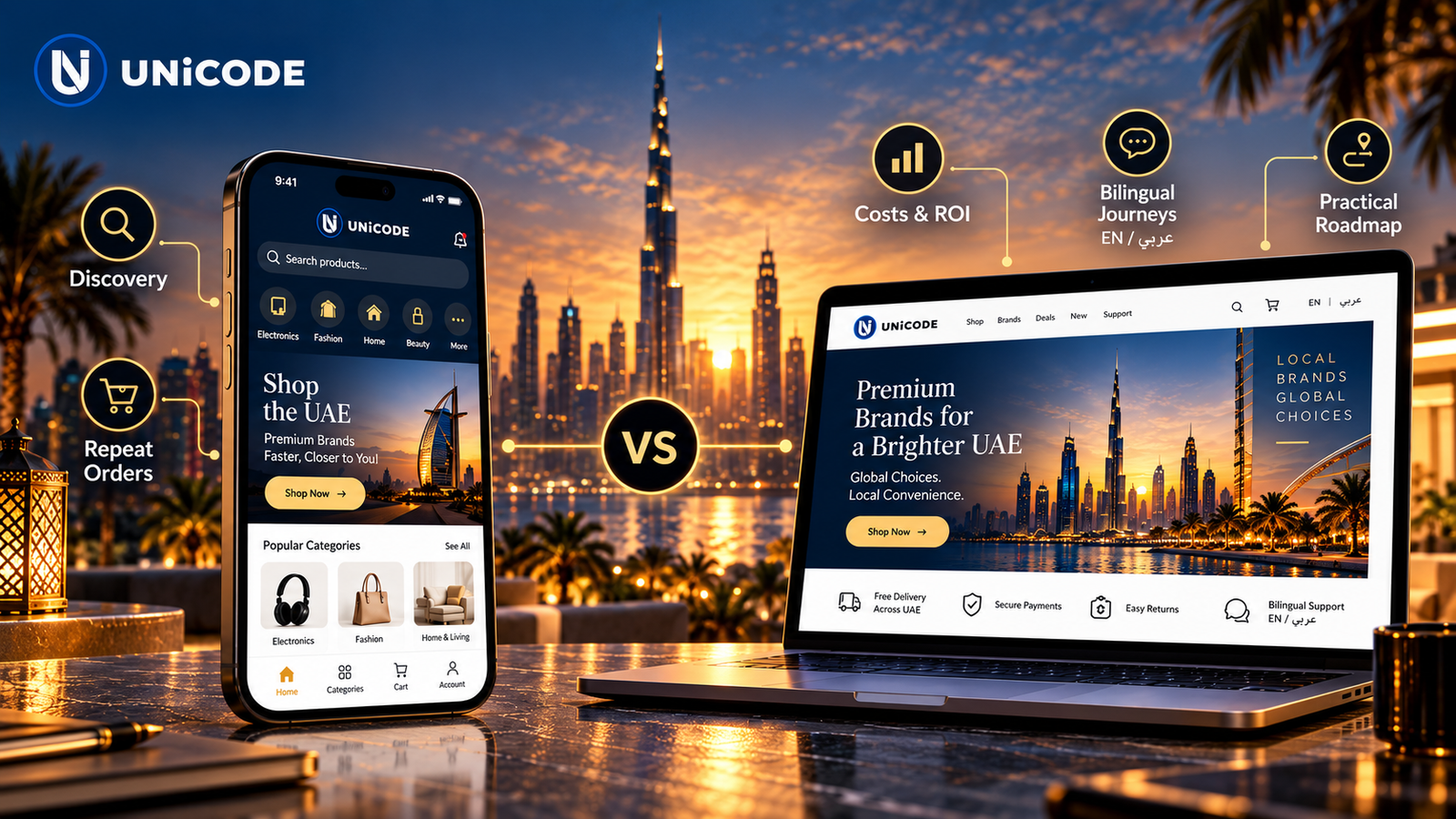
The useful question is not which acronym is more impressive. Identify where information is lost today, which decisions are delayed, and who will own the data after implementation.
A CRM records the customer-facing journey: where an enquiry came from, what was discussed, who owns the next step, whether a proposal was sent and what happens after a sale. It can help sales and service teams work from the same record rather than separate inboxes and spreadsheets. Useful CRM reporting focuses on response times, pipeline stages, conversion and customer retention.
A CRM succeeds only when staff can use it consistently. Define the stages and required fields, connect the channels that genuinely matter, and train the team on a small number of repeatable actions. Custom CRM development can be appropriate if a standard product cannot support essential roles or workflows.
An ERP focuses on the operating model behind the sale. Depending on its modules, it may coordinate purchasing, stock, orders, finance, projects and reporting. The goal is to reduce duplicated entry and give teams a dependable view of resources and transactions. A company with complex fulfilment can struggle even when its sales pipeline is healthy if stock and order records are fragmented.
ERP implementation is as much a process and data project as a software project. Teams must agree on product codes, approval rules, accounting responsibilities, migration quality and exceptions. A configurable package is not automatically ready for a company’s actual workflow.
| Decision point | CRM | ERP |
|---|---|---|
| Primary focus | Customer relationships and revenue activities | Internal resources and transactions |
| Typical users | Sales, marketing and customer service | Operations, purchasing, finance and management |
| Core records | Leads, contacts, opportunities and cases | Products, orders, inventory, invoices and costs |
| First benefit to test | Fewer missed follow-ups | Fewer handoff and reconciliation errors |
These are common patterns, not rigid boundaries. Actual modules vary by vendor, and some products combine both areas. Review Salesforce’s CRM overview and Oracle’s ERP overview for the vendor definitions, then validate the fit against your own processes.
Start with CRM when qualified enquiries are being lost, ownership of follow-ups is unclear, or managers cannot see the sales pipeline. Start with ERP when orders, purchasing, inventory or financial reconciliation cause the bigger operational risk. If both problems are serious, define a shared data model and a phased implementation rather than trying to switch every process at once.
A CRM vs ERP evaluation should include the employees who handle exceptions, not only managers choosing dashboards. Ask each team where a customer request, order or invoice currently stalls. Their answers often reveal the best first workflow to implement and the data that must remain accurate.
Choose a measurable first outcome. Examples include reducing the time from enquiry to first response or reducing manual corrections between order and invoice. Record the baseline, appoint an internal owner and test a small workflow with real users before broad rollout.
Decide which system owns each field. A CRM may own lead and opportunity data; an ERP may own product availability and invoices. Define when records sync, how duplicates are resolved and what happens when an integration fails. Security permissions and audit trails should be included from the start.
Common mistakes include migrating poor-quality data unchanged, customising every screen before testing, skipping staff training and buying a large module set that nobody uses. A simple system with consistent adoption often creates more value than a broad implementation without process ownership.
A CRM can handle some operational tasks, but it does not automatically replace accounting, purchasing or inventory controls. Examine the required processes and modules.
Yes, with agreed ownership, field mapping, access controls and error handling. Avoid assuming that a connector alone resolves data quality.
Timing depends on scope, migration, integrations and user adoption. Use a phased plan with acceptance criteria rather than a generic deadline.