

B2B Client Portal Development: Accounts, Orders and Self-Service
B2B client portal development should give customers a useful task they can complete themselves. A dashboard of unexplained numbers does not justify another login. This guide helps service businesses working with customers in Saudi Arabia and their genuine markets scope a practical portal. It focuses on files, approvals and support without inventing productivity savings or customer-satisfaction results from projects that have not been documented.
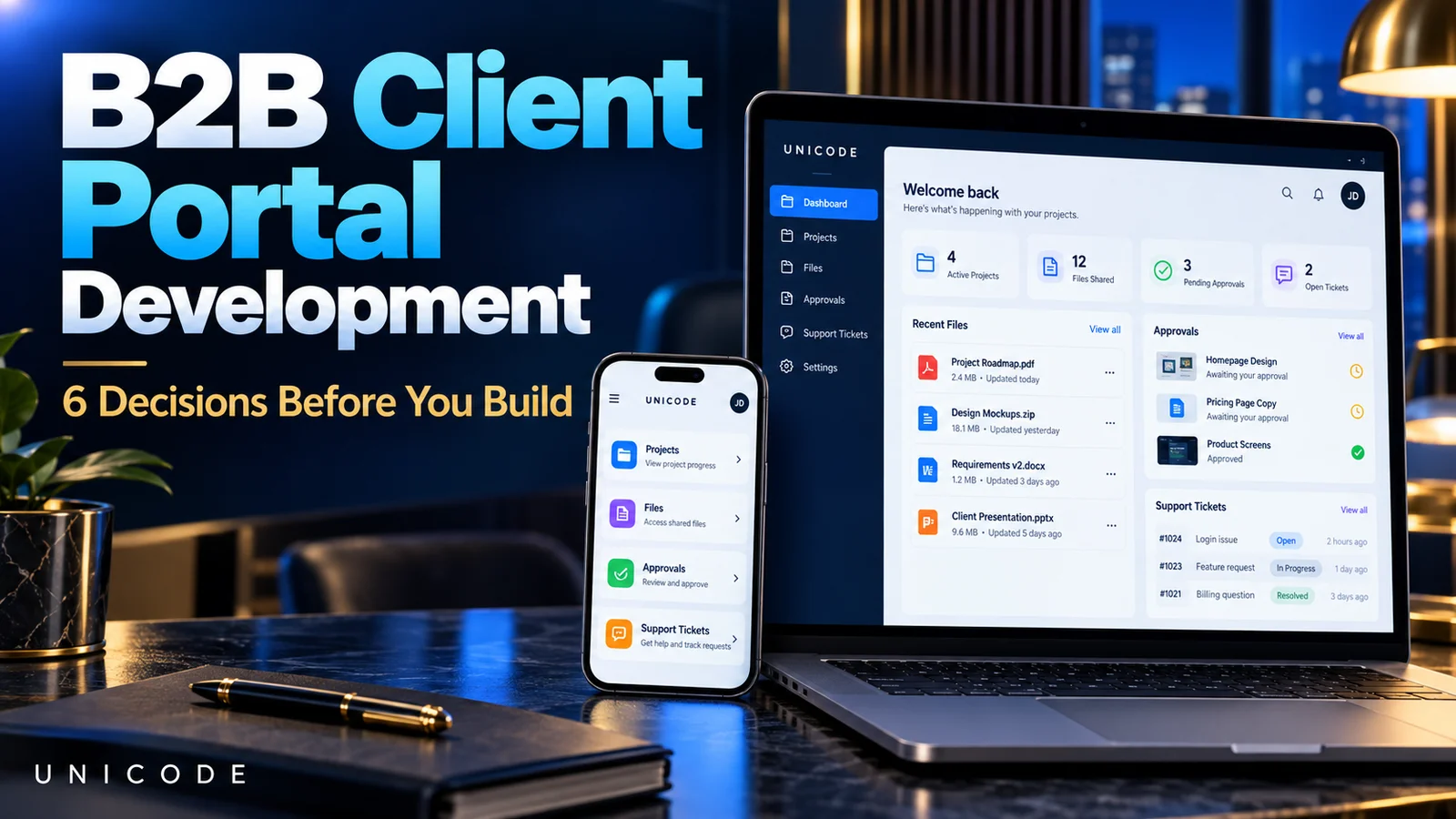
Define the B2B client portal development task
Choose the recurring problem first: viewing a request’s status, downloading an approved file, reviewing a version or opening a support ticket. Select a primary task for the first release and decide what stays in existing systems. Project management, invoices, chat, signatures and documents should not all appear simply because a competitor demonstrates them.
Ask whether clients will actually use the portal. A short engagement with limited steps may work through an organised existing channel. A portal becomes more useful when customers repeatedly need access to information or actions. Document that journey before choosing software so implementation can be compared with the operational problem it is meant to improve.
Design organisational accounts and permissions
A business customer may have several users: one follows progress, another approves work and another only reads files. Decide who invites people and removes access when responsibilities change. Clarify whether a person can work across several organisations. Avoid one shared password, which makes ownership and access revocation difficult.
Map permissions by organisation, project and action rather than relying solely on role names. The OWASP authorisation guidance recommends access checks on each request. Use authorised fictional accounts from different organisations to test separation. Do not use real confidential customer records merely to demonstrate that the portal works.
Organise file versions and their visibility
Identify the documents clients need, who uploads them and who approves a final version. Customers should recognise a draft, an approved file and the version under review. A generic “new file” notification without project context simply relocates email confusion into another interface.
Uploads need actual controls for size, type and access. The OWASP file-upload reference discusses validation and controlled storage. Copying a private document link should not make it publicly accessible. Define archive, removal and recovery rules under the company’s approved policy, with responsibilities appropriate to the information being handled.
Define what an approval means
A company may need a customer to approve a design, change request or work stage. Identify the authorised person, the specific version and the information displayed before action. Staff should be able to find the decision, actor and timestamp without relying on a separate message disconnected from the reviewed document.
Do not automatically describe an approval button as a legally recognised electronic signature. Contractual or signature requirements need qualified review and an appropriate implementation. For ordinary workflow approval, define the next step after acceptance or revision requests, who receives notification and what task becomes visible to each side. This scopes behaviour without inventing legal effect.
Connect support to the correct source system
Support requests should retain the related project or service, problem type and responsible owner. Avoid unapproved response-time promises or tickets with no assigned follow-up. Explain reassignment and how clients know that additional information or a response needs attention.
If a CRM or project system already exists, map the authoritative source for each data element before integration. The portal exposes suitable customer tasks; it is not a copy of every administration screen. Discuss custom software development around these boundaries, or CRM requirements where internal sales management is a separate need.
Test usability, maintenance and adoption
Make sign-in and account recovery understandable, and test the main task on a phone. If downloading a document requires extensive training, the portal may be more complicated than the original problem. Start with clear task-based navigation and help for a new customer instead of a dashboard containing every department’s functions.
Separate accounts, permissions, documents, approvals, integrations, hosting and support in proposals. Define exports, backups and responsibility for integration updates. Measure completion of useful tasks, not logins alone. Review why customers avoid the portal before adding more features or assuming marketing will make an inconvenient workflow acceptable.
B2B client portal development: example and acceptance checks
Imagine a fictional service company asking clients to review a project version and open support requests in one place. The first release has specified accounts, organised documents, operational approvals and project-linked tickets. Payments, legal signatures and complex reporting are not automatically necessary. This illustrates planning, not a Unicode customer result.
- Create two fictional customer organisations in testing.
- Check that accounts cannot access each other’s files.
- Upload a revision and verify its approval reference.
- Revoke a test user’s access and inspect the effect.
- Assign a ticket and send a clearly labelled test response.
- Complete the main task on mobile in each required language.
Test denied access, missing information and integration failures with authorised sample accounts. Errors must help users without exposing another client’s details; real confidential documents are unnecessary.
Questions before commissioning the portal
Does a portal replace CRM? Not necessarily. CRM supports internal relationship workflows, while a portal exposes selected customer tasks. They can connect when data ownership and responsibility are clearly defined.
Must every customer join immediately? A limited approved rollout can test the core task first. Do not add sensitive customer data to an unprepared testing environment merely to increase usage.
Is custom development the only option? No. Compare an existing tool, customisation and development against permissions, integrations, ownership, exports and support. Dashboard appearance alone does not decide the right approach.
Takeaway and technical references
Useful B2B client portal development combines focused self-service with appropriate data separation. Review authorisation and file handling during technical assessment; references are not security certification.
Discuss your client portal scope
Send Unicode the customer task, user roles, file types, existing systems and approval or support workflow. These inputs support a testable first release before expansion. Discuss your portal on WhatsApp.