

Clinic Website Design That Fills Appointment Slots
Clinic website design should help visitors understand services, find the right branch and request an appointment. This guide helps clinic managers serving Saudi Arabia compare development proposals, separating a public website from clinical systems and confirmed scheduling without unsupported promises.
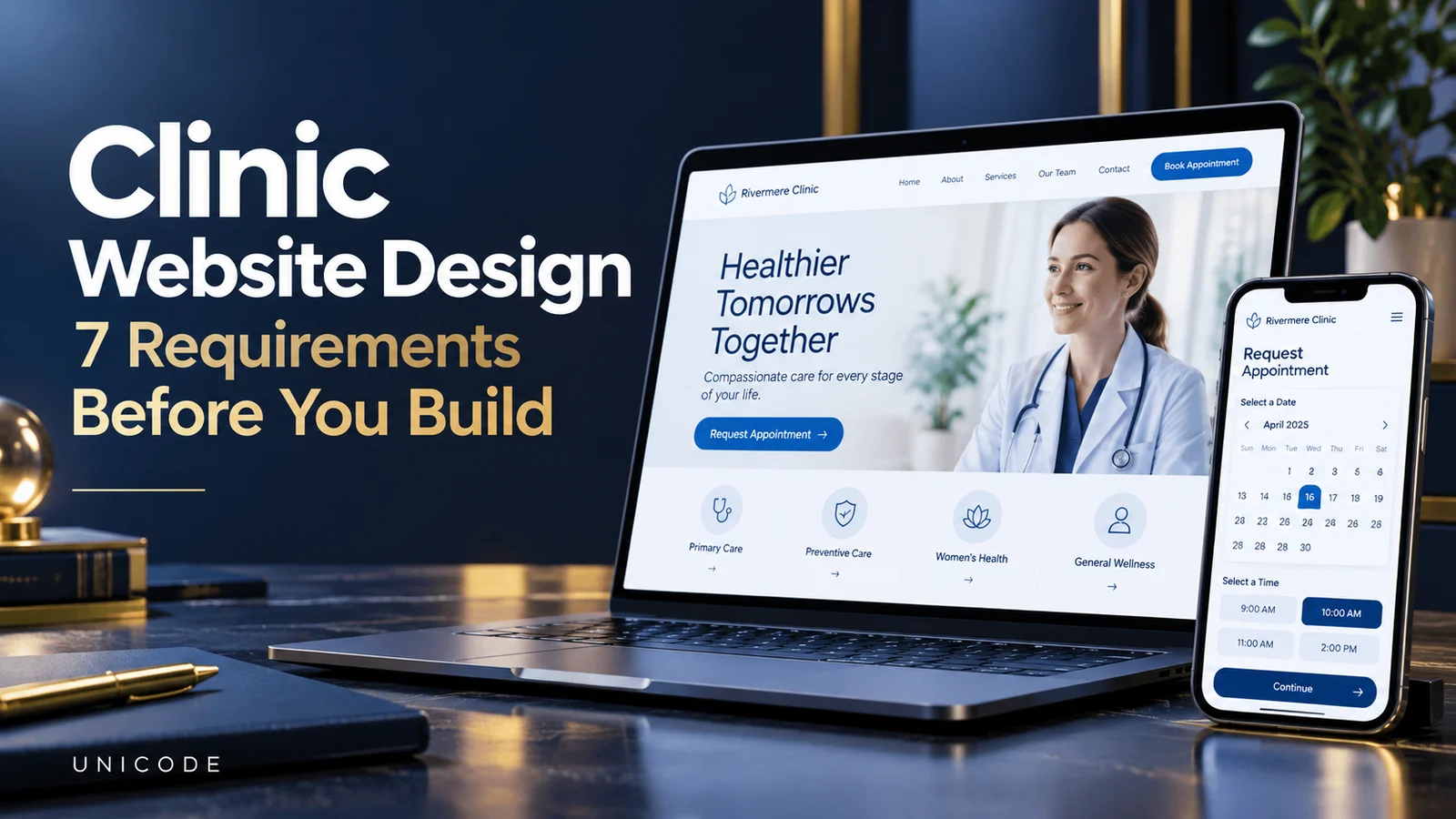
Define your clinic website design goals
Decide whether the first release introduces the clinic, collects appointment requests or connects visitors to a live booking calendar. Those are different products. A form that emails reception is not a complete scheduling system. Label the action “Request an appointment” if somebody must confirm availability afterwards, rather than suggesting that submitting a form reserves a slot.
Identify who handles each request and the response window they can maintain. Explain what happens outside working hours. Document success as a completed, usable request, not simply a booking-button click.
Build service pages around visitor decisions
Give each core service a useful page explaining its scope, the responsible team, available branches and the next step. Have an appropriate clinic professional review medical statements before publication. The website organises approved information; it should not diagnose visitors or guarantee treatment outcomes. Replacing one specialty name in otherwise identical copy creates little value.
Use authorised staff photographs and verified credentials. Generated portraits must not impersonate actual clinicians. For bilingual publishing, preserve facts while using terminology each audience understands. Answer practical questions without a generic description of everything the clinic offers.
Make branch information usable on mobile
Someone opening the site on a phone may need directions and opening times immediately. Present each real branch separately, with accurate contact details and a working directions link. Distinguish building opening hours from a clinician’s availability. If a service is unavailable at a branch, explain that before accepting the appointment request.
Test the sequence of branch, service and preferred clinician selection. Offer a relevant alternative when a combination is unavailable. A multi-branch clinic website design project needs these relationships documented early. Otherwise, reception may receive requests for services that the selected location cannot provide, even though the interface looks polished.
Keep the appointment request minimal
Start with a name, contact method, branch, broad service and preferred time only where useful. Do not collect diagnoses, report photographs or detailed medical histories through an ordinary public contact form. A later requirement for clinical documents needs a separate privacy and access-control review with the clinic’s qualified advisers.
The W3C forms tutorial supports clear labels and instructions. Put understandable errors beside relevant fields, rather than relying on colour alone. After submission, explain the next step. Ask a new receptionist to read a sample request: if they must ask every basic question again, the form has not done its job.
Give reception a manageable workflow
A first release might use email notifications and a restricted request list. Define statuses: new, contacted, confirmed and closed. Submissions are not confirmed appointments. Measure valid requests separately from confirmations, excluding technical tests and spam.
When several employees share follow-up, consider a clinic CRM workflow with suitable permissions. Request a demonstration of assignment, duplicate handling and visibility rules. Immediate confirmation is appropriate only if the system uses an up-to-date calendar and prevents conflicting bookings. Do not create a promise that depends on somebody manually noticing an email.
Test performance and search essentials
Large photographs may look impressive on the designer’s connection while delaying real use. Specify optimised image sizes, readable typography and comfortable touch targets. Test navigation, directions and the form on a physical phone. Seeing the homepage load is not the same as completing the visitor’s task.
Give important pages distinct titles and descriptive content. Google’s SEO starter guide discusses useful content and crawlable links. Describe the actual service area, not near-identical pages for cities the clinic does not serve.
Compare clinic website design proposals
When requesting website development, provide branch counts, service categories, languages and the appointment workflow. List existing systems requiring integration. Ask proposals to separate design, content, development, integration and ongoing support. A lower headline price is not meaningful if scheduling or content migration is excluded.
Include domain ownership, hosting access, administrator accounts, backups and maintenance responsibilities in the handover. Name the person who updates staff details and branch hours. A website that nobody can maintain will become inaccurate, even if the original design is excellent. Confirm how changes are tested before appearing publicly.
A planning example and acceptance checklist
Imagine a fictional two-branch clinic offering three services. The site collects requests; reception checks availability and confirms separately. This planning example is not a Unicode customer result.
- Submit a valid request for the correct branch.
- Check a missing field and its error message.
- Try a repeated request after opening hours.
- Verify notification delivery and status updates.
- Review Arabic, English and the language switch.
Questions before commissioning the project
Does a clinic need an app immediately? Not necessarily. A usable mobile website and reliable follow-up may cover the initial requirement. An app needs its own business case, such as recurring authenticated tasks, rather than simply matching a competitor.
Can the site show times without calendar integration? It can display general information or preferences, but should not present them as guaranteed availability. Agree on the source of truth and its update process before promising confirmed bookings.
What most affects the budget? Scheduling rules, integrations, permissions and content preparation matter more than page count alone. This guide offers no fixed quotation. Compare written scopes so each proposal includes the same work and acceptance tests.
Takeaway and technical references
Good clinic website design combines approved information, honest appointment expectations and a mobile journey that reception can support. The W3C guidance and Google search guide are technical references, not guarantees of rankings or patient enquiries.
Discuss your clinic website requirements
Send Unicode your branches, services, languages, appointment confirmation process and existing systems. These details support a focused scoping conversation rather than a generic proposal that ignores daily operations. Discuss the project on WhatsApp